You’re juggling schedules, chores, and the mystery of who actually fed the plant last week. A shared calendar sounds like the perfect fix—until you worry it’ll turn your home into a tiny, tyrannical time-keeping regime. Relax. You can have collaboration without control. Here’s how to build a shared household calendar that helps, not hovers.
Start with the Why: Make the Benefit Clear
A calendar only works if everyone buys in. Start by naming the win: fewer double bookings, less “did you remember the thing I asked you to remind me about?” moments, and more headspace for actual living. If your coworkers were your roommates, what would they say is the real perk? For most people, it’s peace of mind and fewer “where do we put the carpool schedule again?” questions.
Ask a simple, honest question to kick things off: What would make this calendar feel helpful instead of bossy? Use that to shape your rules rather than imposing them. FYI, a calendar that reflects real needs beats a rigid system that feels like chores.
Choose the Right Tool (Without Turning It Into a Maze)

There are a ton of options, from ultra-simple to eyebrow-raising feature sets. The goal is frictionless participation, not a tech puzzle.
– Pick something visible: a shared Google Calendar, a family/household app, or a physical wall calendar if some folks are gadget-averse.
– Keep it simple: avoid every feature under the sun. Too many menus = people feel overwhelmed and ignore it.
– Make it private where it matters: you don’t need everyone seeing every detail. Use color-coding and privacy settings to keep sensitive stuff discreet.
Ask the group what format they’ll actually use. If one person loves emoji labels and another craves color-coding, you can craft a system that feels personal without becoming chaotic.
Free workbook: Want a simple way to practice this? Get the free 7-Day Couples Communication Reset.
Get the Free 7-Day ResetSet Fair, Flexible Rules (Without Micromanaging)
Rules prevent drama, but they shouldn’t feel punitive. Here are light-touch guidelines that keep the calendar helpful rather than controlling.
– Assign ownership by category: chores, meals, appointments, car maintenance. Each item has a person or two responsible, but it remains a shared instrument.
– Use time blocks, not tasks: schedule blocks for things like “clean the kitchen” rather than “you do the dishes today.” It avoids blame and spreads accountability.
– Leave breathing room: include buffer times around events. This reduces chaos and makes it feel more cooperative than relentless scheduling.
– Do a weekly check-in: 10 minutes tops. What worked this week? What flopped? Adjust accordingly, no guilt trips.
One trick: allow a grace period for shifting things around. Life happens. If someone realizes they can’t make a commitment, they should be able to switch it without erasing the entire plan.
Make It Visible, Not Heavy

A calendar shines when it’s easy to glance at and understand. Here’s how to keep it friendly.
– Use color codes: assign each person a color for events. Visual quick-glance clarity beats a long paragraph of notes every time.
– Add short notes, not essays: “Grocery run at 5pm” is enough. If more details are needed, link to a shared document or chat thread.
– Schedule “housekeeping hotspots”: recurring, simple tasks (trash day, weekly mop) should have a standing time. It reduces the “who forgot what this week?” chaos.
If someone tends to over-elaborate, propose a one-line note rule: every event title should be self-explanatory. No running novels about why you’re busy.
Hold Space for Opinions and Boundaries
A calendar only works if people feel safe to speak up. Create a culture where feedback is welcomed, not weaponized.
– Welcome pushback: if someone feels the calendar locks them in, listen and tweak. You’re building something together, not staging a coup.
– Respect privacy preferences: not every doctor’s appointment needs a public block. Use private notes or limited visibility for sensitive entries.
– Use a “pause button” for heat moments: if a conflict spirals, pause the plan and revisit after a cooling-off period.
A quick trick: invite one non-judgmental ally to test-drive the calendar for a week and report back with impressions. Fresh eyes spot friction you might miss.
Keep It Dynamic: Evolve Without Losing Trust
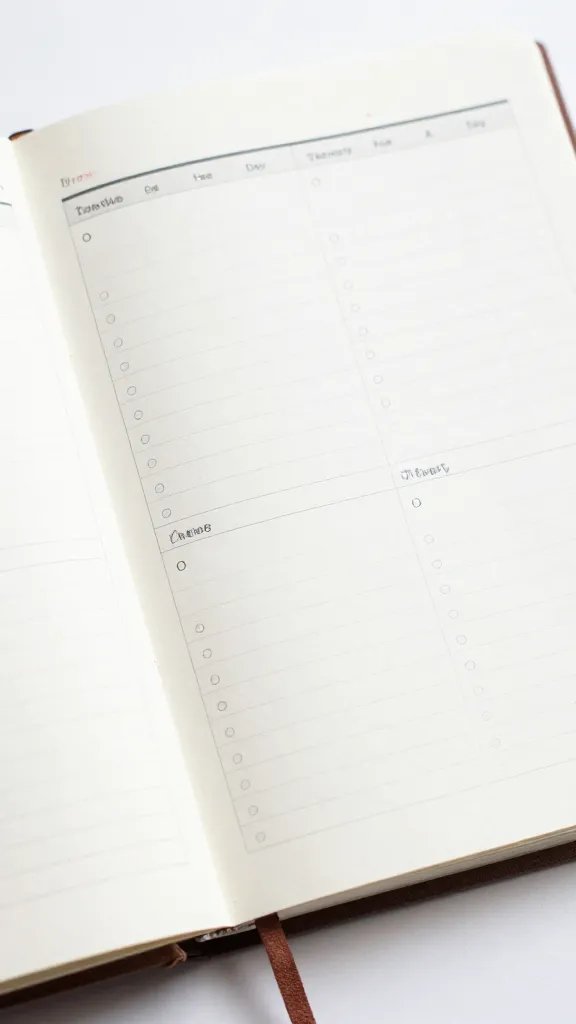
Your calendar should adapt as life changes. The process that works in month one might feel clunky by month three.
– Schedule quarterly tune-ups: revisit the setup, color system, and rules. Change is normal; rigidity is the enemy.
– Celebrate wins, not just compliance: when the system saves everyone time or reduces friction, shout it out. A little positive reinforcement goes a long way.
– Document tweaks in one place: a short “how it works” guide helps new roommates or guests slide in without a hitch.
If you notice new conflicts or recurring gaps, adjust the calendar’s structure first, not the people. You’re aiming for collaboration, not constant recalibration.
Need help putting this into practice? The free 7-Day Couples Communication Reset gives you simple daily prompts for calmer conversations.
Download the Free ResetPractical Setup: A Sample Blueprint
Here’s a quick, ready-to-ship blueprint you can adapt in 15 minutes.
– Pick your tool: Google Calendar is reliable and shareable; a dedicated app works if you prefer in-app chat.
– Create a color map: Red for chores, Blue for groceries, Green for appointments, Purple for events with guests, Yellow for maintenance.
– Set recurring blocks: “Trash night” every Tuesday at 7pm, “Grocery run” Saturday 10am, “Meal planning” Sunday 4pm.
– Add a one-line note field: each entry gets a concise title and a short description if needed.
– Schedule a weekly 10-minute review: what’s working, what’s not, what needs shifting?
Now, drop in a couple of examples to show how it looks:
– Kitchen cleaning: Red block, Tuesday 7pm, “Dishes if needed, wipe counters,” assigned to Jamie.
– Family night: Purple block, Friday 6:30pm, “Pizza + movie,” all housemates welcome.
– Car maintenance: Yellow block, monthly, “Oil change at XYZ shop,” owner: Alex.
FAQ
Why would my roommate actually use this calendar?
Because it makes life easier, not harder. When events are clear, visible, and low-friction, nobody feels micromanaged. They’re simply following a shared rhythm that respects everyone’s time.
What if someone forgets to add something?
Start with a light, forgiving approach. A quick reminder helps, but don’t turn it into a blame game. Encourage people to add entries as soon as plans form, and reserve a weekly catch-up to fill gaps.
How do we handle privacy without losing the benefits of a shared calendar?
Use visibility settings wisely. Make non-sensitive items public to the group, keep personal appointments private, and rely on color-coding to communicate roles without exposing details.
What if our group has very different tech preferences?
Aim for a two-track approach: a digital calendar for those who want it and a simple wall calendar or printable weekly sheet for others. The key is to meet people where they are without creating separate universes.
Can this calendar actually save time, or is it just another chore?
It saves time if you keep it light. Focus on the core benefits: fewer double bookings, fewer last-minute text threads, and more predictable evenings. If it starts feeling like work, scale back the complexity.
Conclusion
A shared household calendar should feel empowering, not suffocating. Start with the why, pick a tool that fits your crew, and set rules that are fair, not punitive. Keep it visible, friendly, and flexible, and don’t be afraid to tweak as life changes. Remember, the goal is smoother days, not stricter schedules. IMO, a well-tuned calendar is the closest thing to a magical roommate—a reliable ally that doesn’t nag. Ready to give it a spin and see how much smoother your weeks become? Let the collaboration begin.
Ready to practice better communication?
Start with the free 7-Day Couples Communication Reset, or explore the full Couples Communication Workbook & Handbook for deeper guided exercises.